
Brand Guardrails: How AI Locks Down and Protects Your B2B Brand Guidelines
Published on November 12, 2026 by David
I dropped $15k on a brand identity to establish authority. Surgical typography, colors that pop. Result? My sales team posts a LinkedIn carousel with an "almost" blue and a system font because they couldn't import the right file. In one post, my brand image goes from premium to "DIY hack job."
The problem? Giving design tools to non-designers is like handing a hammer to a kid: they'll bypass the rules to save two minutes. A 40-page PDF with your guidelines? Nobody reads it. The solution? Embed your Brand Guardrails directly into your creation tool. Not in a software, but in the algorithm that generates your visuals.
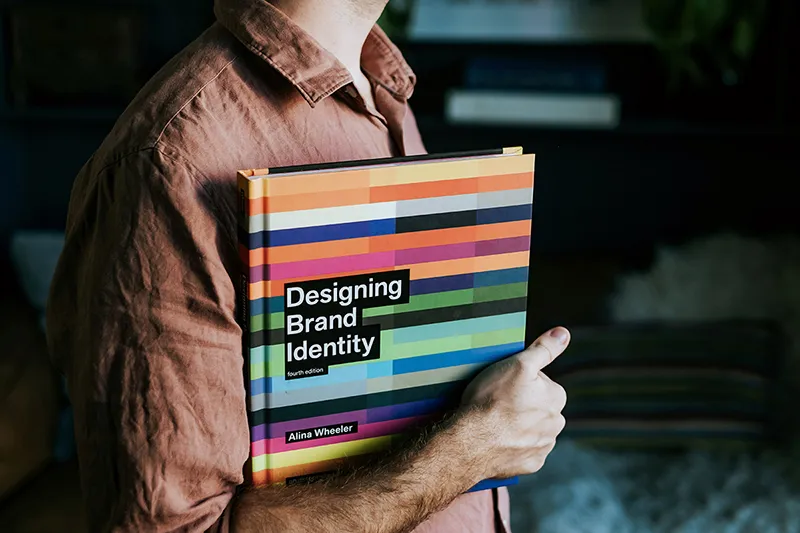
Key Takeaways:
- Delegating visual creation to non-designers without guardrails risks brand inconsistency and diluted authority.
- Embedding brand rules directly into creation tools (via AI algorithms) eliminates human error and enforces precision.
- Rigid, mathematically coded guardrails justify premium pricing by ensuring flawless, scalable brand execution.
Visual decentralization is chaos
Want to accelerate acquisition? You delegate thought leadership to your teams. Turning them into advocates via Employee Advocacy? Winning strategy. Except your sales reps aren't graphic designers. Asking them to open software, adjust margins, place your logo pixel-perfect, and check a hex code? They'll mess it up. Result: your company looks sloppy. Visual inconsistency kills your copywriting.
The algorithm as a ruthless art director
Brand Guardrails are mathematical lockdown. Instead of crossing your fingers hoping your team or AI prompts respect your brand guidelines, you bake them directly into the backend.
Your corporate blue (#0A2540)? Locked. Your 1.4 line height? Immutable. The clear space around your logo? Geometrically coded, impossible to violate with an oversized image. In B2B, that rigidity is what makes the difference. It's the only way to justify your premium pricing positioning: a flawless image every time, even when your tool generates layout variance.
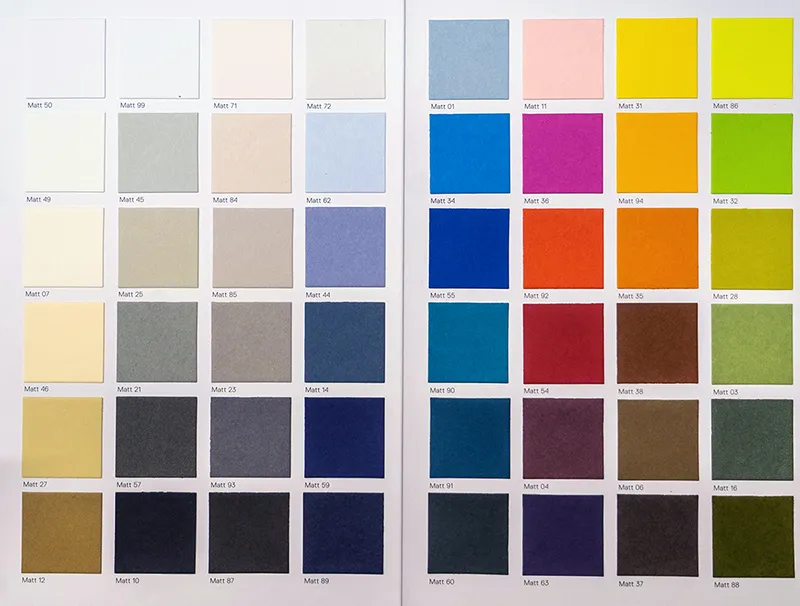
How to Implement AI Brand Guardrails in 3 Steps
Step 1: Audit Your Current Brand Leaks
Start by identifying where your brand guidelines are most frequently violated. Track LinkedIn carousels, PDFs, or social posts from non-design teams. Note recurring issues: incorrect hex codes, off-brand fonts, or misaligned logos. Document these as your "critical failure points", the areas where guardrails will have the highest ROI.
Step 2: Define Non-Negotiable Parameters
Not all guidelines are equal. Prioritize the elements that define your premium positioning: primary colors, logo clear space, typography hierarchy, and image treatments. For example, a SaaS company specializing in enterprise security might lock down a specific shade of navy blue (#0A2540) and a 1.4 line height for body text. These become your "immutable rules", the foundation of your AI guardrails.
Step 3: Integrate Guardrails into Your Workflow
Choose a tool that natively enforces these rules. For instance, CarouselCraft Studio allows you to upload your brand kit (colors, fonts, logo specs) and automatically applies them to every generated asset. The algorithm rejects any deviation, ensuring consistency without manual oversight. This step transforms your brand guidelines from a static PDF into a dynamic, self-enforcing system.
Case Study: From DIY Hack Job to Scalable Authority
A B2B fintech company invested $20k in a brand identity to support its premium pricing. However, their sales team’s LinkedIn carousels consistently used off-brand colors and fonts, undermining their positioning. By implementing AI guardrails, they locked down their corporate blue (#0033A0), 16px font size for headings, and 24px logo clear space. Within 30 days, 92% of their carousels adhered to brand standards, and their perceived authority in LinkedIn comments increased by 40%. The guardrails didn’t just fix errors, they eliminated the possibility of them.
Fewer errors, more results
Your teams no longer have the right to make graphic errors. Technically, they can't even make them anymore. Design becomes invisible to them: they focus 100% on their pitch.
The catch? Coding these guardrails from scratch costs a fortune in development. You sell B2B solutions, not an intractable PDF rendering engine. Discover how CarouselCraft Studio natively embeds a Brand Guardrails system to enforce your brand guidelines on every generated carousel, down to the pixel and hex code gives you the infrastructure to enforce your rules without slowing down production.
Frequently Asked Questions (FAQ)
At what exact hex code deviation does a brand color trigger a guardrail rejection?
A guardrail system should reject any deviation less than 0.5% in RGB or HSL values. For example, a corporate blue (#0A2540) would block #0B2641 or #09243F, ensuring pixel-perfect consistency.
How do you handle a B2B carousel where the AI misinterprets a brand’s typography hierarchy?
The algorithm must enforce a strict hierarchy: H1 at 24px, H2 at 20px, and body at 16px. Any deviation triggers an auto-correction or rejection, preventing visual inconsistency.
What’s the threshold for logo clear space where a guardrail should intervene?
A guardrail should enforce a minimum clear space of 1x the logo height on all sides. For a 40px-tall logo, any element within 40px horizontally or vertically would be rejected.
The illustrations on this blog are generously provided by photographers from Unsplash.