
Face Extractor: Isolate Your Professional Portraits Without Falling Into the AI Avatar Trap
You’ve seen those carousels with AI avatars—those overly polished, muscular figures with animated-movie stares. They look great. They’re fun. But in B2B, they scare prospects away.
Your client isn’t signing a contract with a video game character. They’re signing with you: your dark circles, your tired eyes from sleepless nights, your authenticity. AI shouldn’t replace your face—just cleanly separate it from a chaotic background.
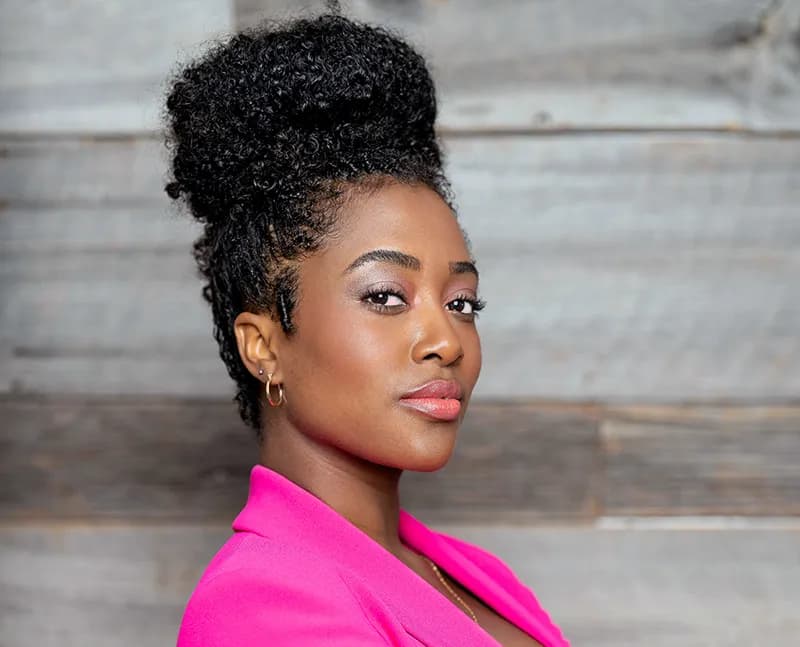
AI Avatars Scream "Imposter"
Your prospect reads between the lines. When they see an overly smoothed photo, their brain flags it: "Warning: this smells like deception." It’s like spraying cheap cologne on a wrinkled suit—no one’s fooled.
Why the illusion of perfection destroys your credibility proves it: faking your appearance undermines everything else. Your results? Your case studies? Why not embellish those too?
Real leadership doesn’t need filters. A smartphone photo with good lighting is worth 1,000 times more than an artificial masterpiece. The only problem? Your messy office background distracting from your message.
That’s where a face extraction tool (Face Extractor) comes in. It eliminates visual noise while preserving your human essence.
Where to Place Your Face Without Ruining Everything
You’ve got your photo with a transparent background. Now, where do you use it?
The mistake? Plastering it front and center on every slide. No. Overuse feels exhausting and borders on egocentrism. Your face should act as a beacon in strategic zones: the cover slide (to grab attention in the feed) and the final Call-to-Action (to humanize the outreach).
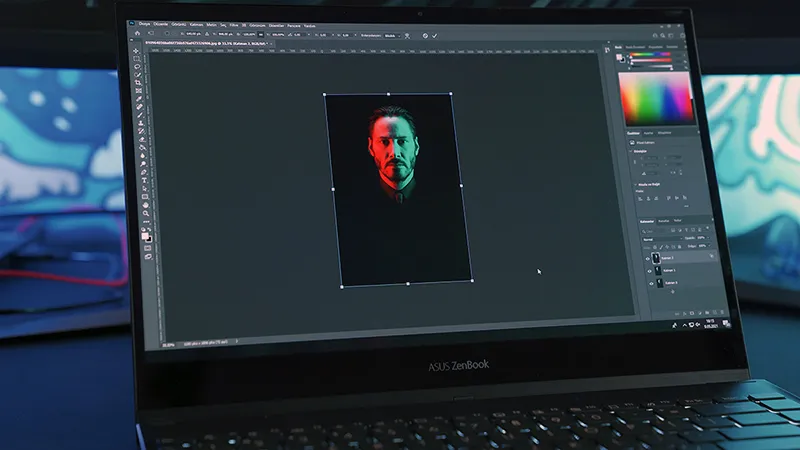
Time-Saving: Automated 3D Inlay
Cutting out a photo in Photoshop? 15 minutes. Forget it. Free online tools? Low-quality, compressed exports. That’s a costly waste of time.
You’re not a designer. Your job? Strategize and sell.
Take your best natural selfie. Drag it into the editor. The Face Extractor module will instantly cut out your face and inlay it in 3D next to your text, directly from the Studio.
Les illustrations de ce blog sont généreusement mises à disposition par les photographes d' Unsplash.