
Seamless Generative Panorama: Creating Perfect Visual Continuity to Connect Two Ideas
Published September 6, 2026 by David
On LinkedIn, Instagram, or Facebook, every slide swipe is a micro-hesitation. Your brain hits pause. Scroll or skip? The decision is instant.
Pros avoid this trap with the panoramic effect. One image that starts on one slide and ends on the next. The eye is pulled to the right. But let’s be honest—creating this manually is a nightmare.
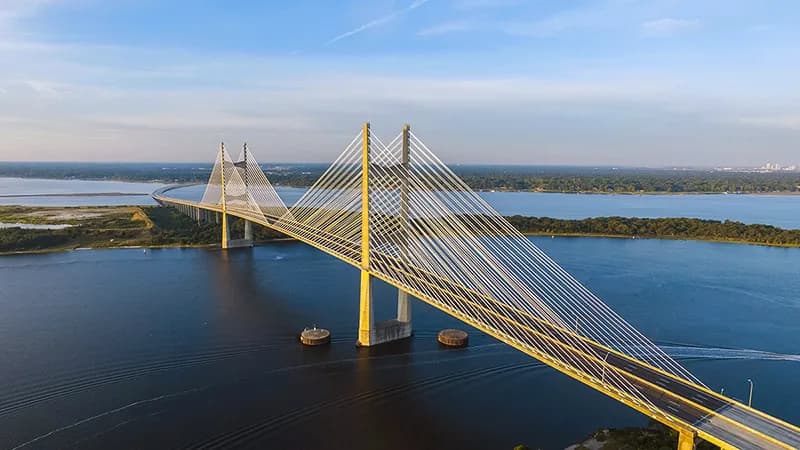
The Disruption Bias and the Art of Zero Crop
Problem on slide two, solution on slide three? Two different images = a hard cut. Same continuous background = a visual bridge. Your prospect scans the screen to see what’s next. It’s the Before/After effect in fluid mode.
No breaks. No friction. Everything flows. Your B2B pitch never stumbles.
The Nightmare of Traditional Tools
The theory? Brilliant. The execution? A disaster.
For a perfect panorama:
- Double-width file (2160x1350 pixels).
- Center the image, export.
- Use an ad-cluttered online tool to split it in two.
- And sometimes, a single pixel misalignment that ruins everything on mobile.
This is exactly what Canva’s limitations for panoramic formats aim to avoid. Your time is money. Not pixel math.

Automating the Visual Bridge
AI isn’t just a text generator. It eliminates the tech headache.
No more manual slicing. Select two ideas to connect. Choose a landscape image. Slide the “Seamless” button. The SmartGrid engine handles the rest:
- Splits the image.
- Aligns it perfectly.
- Overlays your AI-generated text.
- Delivers a flawless panorama.
Directly from Studio.
Les illustrations de ce blog sont généreusement mises à disposition par les photographes d' Unsplash.