
Solid, Gradient, or Textured Backgrounds: How to Choose the Right Carousel Background Without Failing
Published June 19, 2026 by David
I test my hooks—they convert. But once attention is captured, one question remains: solid white, flashy gradient, or stylish texture?
In B2B, the background isn’t decoration. It’s the frame that makes the difference between a message that sticks and a post that gets skipped after the first slide.
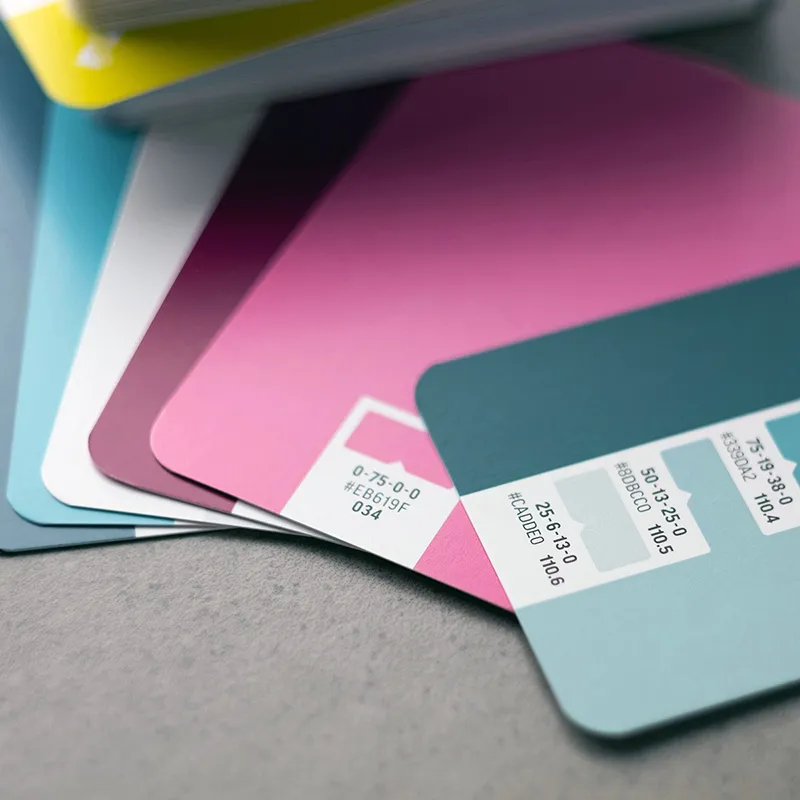
Here’s how to choose the perfect background based on your goal—without compromising readability.
1. Solid Backgrounds: The Minimalist’s Secret Weapon
B2B pros on LinkedIn swear by them, and for good reason. A solid background (white, beige, navy, or deep black) eliminates distractions. The eye goes straight to the text.
For you if:
- You share dense, technical content or checklists.
- You use elegant typography pairings that need breathing room.
- You want to boost accessibility and visual contrast. Dark text on a cream background? Ultra-readable, even in bright sunlight on a smartphone.
2. Gradients: A Modern Touch (Use Sparingly)
Gradients add dynamism, especially in tech or SaaS. Perfect for incorporating your brand’s two key colors without overwhelming the design.
The golden rule: Keep it subtle. No 2000s rainbow gradients. Opt for a soft transition (navy → royal blue). Otherwise, your text becomes unreadable.
3. Textures and Images: Visual Storytelling
A real photo as a background? Ideal for high-end real estate or personal branding.
But beware: raw text on a photo = typographic suicide.
How to avoid disaster:
- Add an Overlay (semi-transparent black or white filter) between the photo and text.
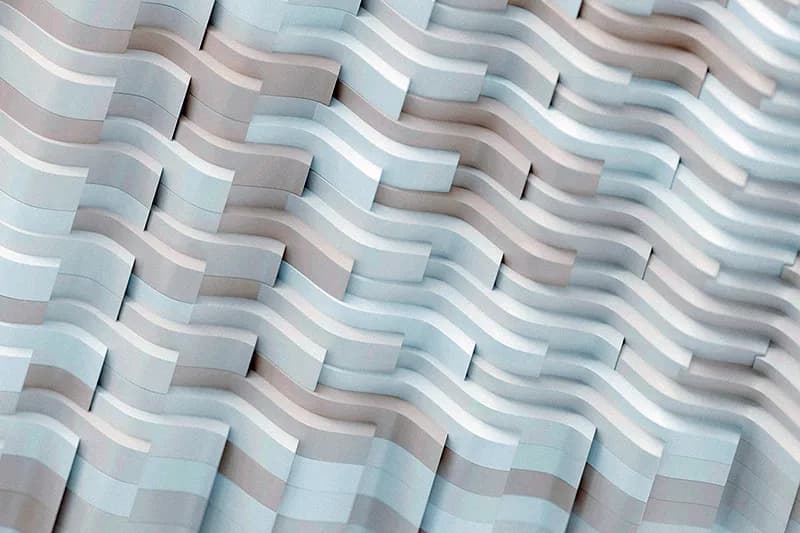
- Choose a subtle texture (paper grain, light concrete) over a cluttered stock image.
- Ensure your visual respects LinkedIn and Instagram’s Safe Zones—or risk key details being hidden by app buttons.
Don’t Leave Design to Chance
You’re not a designer, and you don’t have 40 iterations to tweak opacity and make text readable over a photo.
That’s why we built CarouselCraft. This tool does the heavy lifting with B2B-optimized settings:
- Solid backgrounds generated from your brand guidelines.
- Clean textures for a modern tech aesthetic.
- Automatic Overlay mode: Drop photos as seamless backgrounds across your carousel (Seamless effect), and maintain perfect readability.
👉 Take control of your visual identity—without the hassle. Try CarouselCraft Studio today!
Les illustrations de ce blog sont généreusement mises à disposition par les photographes d' Unsplash.