
Video Adaptation: How to Turn Your Latest Reel or YouTube Short into 10 High-Impact Slides
Published July 11, 2026 by David
I spent three hours scripting, filming, and editing a short video for LinkedIn. It’s crushing it—views are skyrocketing, and I’m stoked. Then… I move on. Big mistake.
Here’s why: A short video is great for getting noticed. But it’s ephemeral. You can’t take notes, digest a technical concept, or save it. Carousels? They’re the secret weapon. People read at their own pace, share them, and bookmark them.
The worst part? You already have all the content. Your video script is a goldmine. Just repurpose it into a carousel in 5 minutes flat with AI.
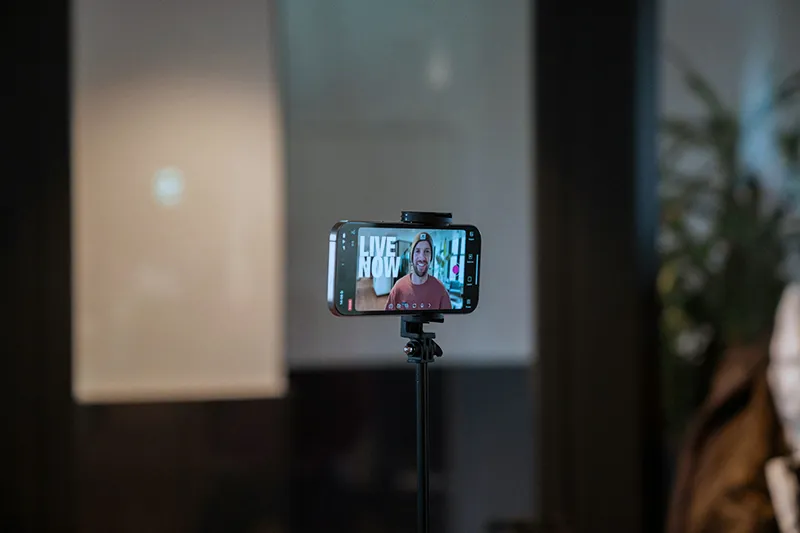
1. Your Hook Becomes Your Cover (Slide 1) In a short video, you have 3 seconds to grab attention. With a carousel, it’s the same battle.
Take the first line of your script. For example: "Here’s why your Facebook ads are burning cash without bringing in a single customer."
Open Studio CarouselCraft. Paste this line into "Brain Dump." Apply your dominant color (the first point of your Harmonious Trio). Your cover is ready. Bonus: You already know it works because your video went viral.
2. Video Chatter Becomes Bullet Points (Slides 2–8) In your Reel, you probably listed 3 mistakes or 3 tips. Verbally, it works. In writing, it’s a dense block of text.
In the Studio:
- Use the Text Only module and check Bullet List.
- Summarize each point in one short, punchy sentence.
- Let AI rephrase your raw notes into B2B copy that converts.
Did you drop a killer stat in your video? "80% of budgets vanish on day one"? Turn it into an Infographic (Data-Viz). AI generates a clean graph in one click.
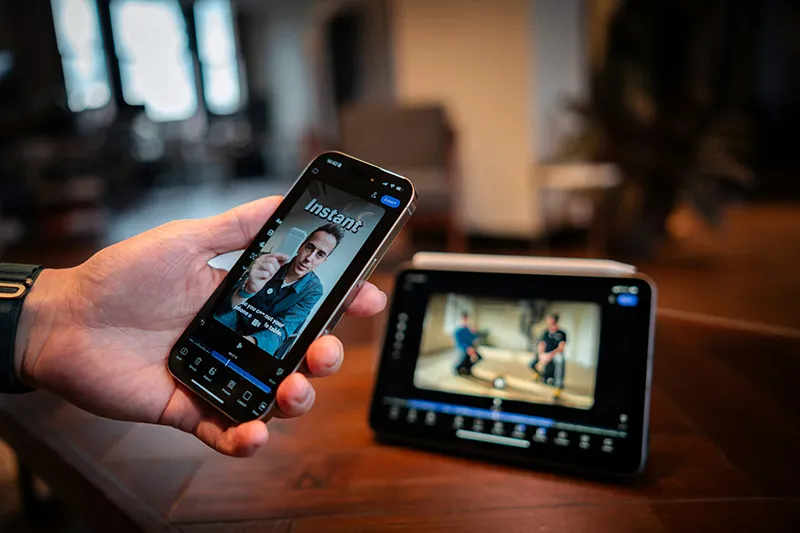
3. Keep the Human Touch: The Face Extractor Spent 10 minutes filming yourself? Perfect. Show your face in your carousel too.
Take a screenshot of yourself in the video. Drag the image into CarouselCraft. Activate the Face Extractor: AI will cleanly cut out your silhouette and place it next to your text. You keep the human element with a pro finish.
4. The Final CTA: A Visual Jolt At the end of your video, you say "Subscribe for more." In a carousel, that call-to-action needs to hit like a knockout punch.
On your last slide, activate Pop Accent (your third background color). The background shifts dramatically to a bold, eye-catching hue, while the text adjusts for readability. This contrast will grab your reader’s attention right before they exit your post.
Stop Starting from Scratch Every Time. Your video script is already packed with value. Use it!
Grab the text from your latest Reel. Open Studio CarouselCraft, drop it into the generator. In 5 minutes, you’ll turn 60 seconds of video into 10 slides of LinkedIn authority—and drive traffic, leads, and clients without redoing the work.
Les illustrations de ce blog sont généreusement mises à disposition par les photographes d' Unsplash.